-
 Word document preview
End Users, Onboarding and Workplace IT
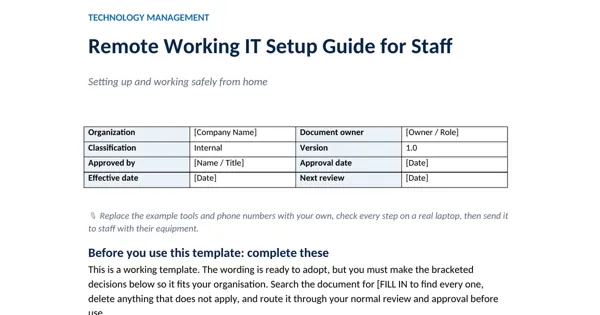
Remote Working IT Setup Guide for Staff
3 downloads per free account, no card needed.
Who this is for
The partners agreed hybrid working and the IT manager needs one guide staff can follow at home, so the service desk is not talking 180 people through the same set-up on Monday morning.
What is inside
- Kit table: 7 items, what each is for and who provides it
- Workstation section using HSE DSE guidance and OSHA viewing distance (50 to 100 cm)
- Sign-in steps for the laptop, VPN and multi-factor authentication
- Keeping devices safe, based on NCSC home working advice and NIST SP 800-46 Rev 2
- Common problems table: 8 problems, what to try first and what to do next
- Getting help: hours, channels and the out-of-hours number
How to use it: Replace the example tools and phone numbers with your own, check every step on a real laptop, then send it to staff with their equipment.
Files & formats
- DOCXremote-working-it-setup-guide-for-staff.docx40 KB
Opens in Microsoft Word or Excel, Google Docs or Sheets and LibreOffice. Delivered instantly from your browser.
Free downloads & full access
Every account gets 3 free downloads. Re-downloading a template you already have does not count. This template on its own is $12.99, and buying it keeps your free downloads for something else. Full access is a one-time $249 for all 300 templates, for life.
Bought with a different email? Open your account and enter your order number.
Licence
Use and adapt the document inside your own organisation or for your own clients. Do not resell or republish the templates themselves. These templates are original working documents built on the public guidance named here. They are not legal or contractual advice and are not endorsed by its publisher. Guidance changes: check the current official text.
More in End Users, Onboarding and Workplace IT
End Users, Onboarding and Workplace IT
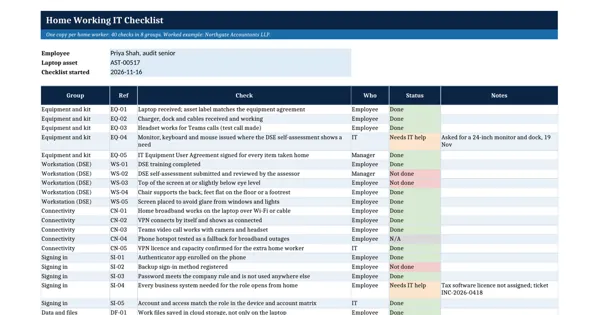
Home Working IT Checklist
End Users, Onboarding and Workplace IT
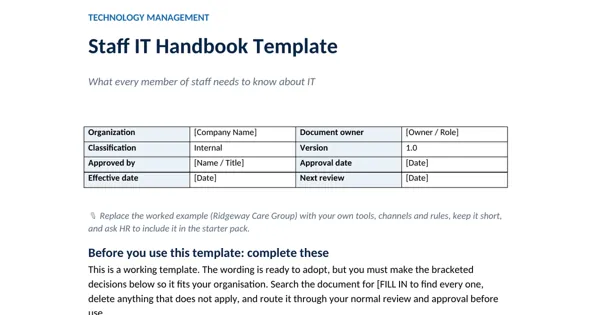
Staff IT Handbook Template
End Users, Onboarding and Workplace IT
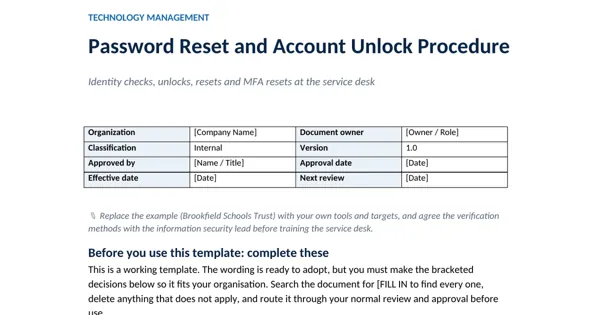
Password Reset and Account Unlock Procedure
End Users, Onboarding and Workplace IT