-
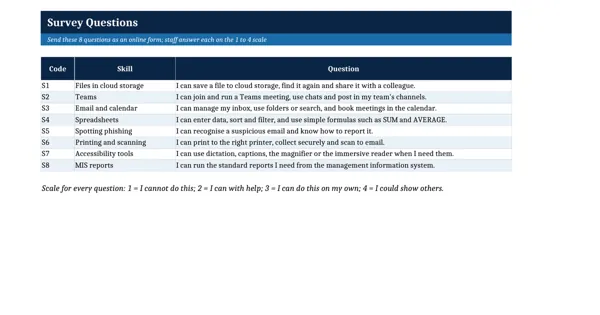 Excel workbook preview
End Users, Onboarding and Workplace IT
Staff Digital Skills Survey and Training Needs Tracker
3 downloads per free account, no card needed.
Who this is for
Before a Microsoft 365 rollout the IT manager has to show the leadership team which staff need training in what, and then track that the training happened.
What is inside
- Survey questions sheet with a 4-point scale and 8 skill questions
- Results for 12 sample staff with average score and skills below their role target
- Targets sheet: required level per skill for 4 role groups
- Training needs log with gap, owner, due date and overdue flag
- Summary per skill: average score, staff scoring 1 or 2 and open training actions
- Bar chart of average score by skill
How to use it: Send the questions as a form, paste the scores into Survey Results, set the targets for your roles and log a training action for every gap you will close.
Files & formats
- XLSXstaff-digital-skills-survey-and-training-needs-tracker.xlsx19 KB
Opens in Microsoft Word or Excel, Google Docs or Sheets and LibreOffice. Delivered instantly from your browser.
Free downloads & full access
Every account gets 3 free downloads. Re-downloading a template you already have does not count. This template on its own is $17.99, and buying it keeps your free downloads for something else. Full access is a one-time $249 for all 300 templates, for life.
Bought with a different email? Open your account and enter your order number.
Licence
Use and adapt the document inside your own organisation or for your own clients. Do not resell or republish the templates themselves.
More in End Users, Onboarding and Workplace IT
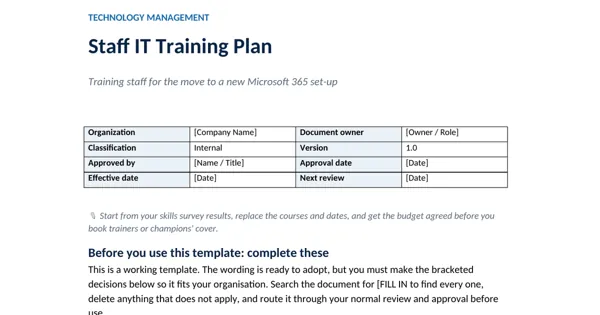
End Users, Onboarding and Workplace IT
Staff IT Training Plan
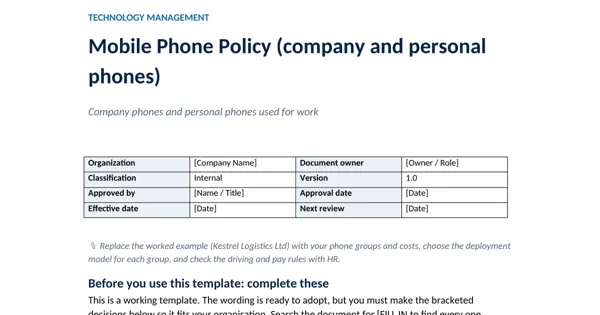
End Users, Onboarding and Workplace IT
Mobile Phone Policy (company and personal phones)
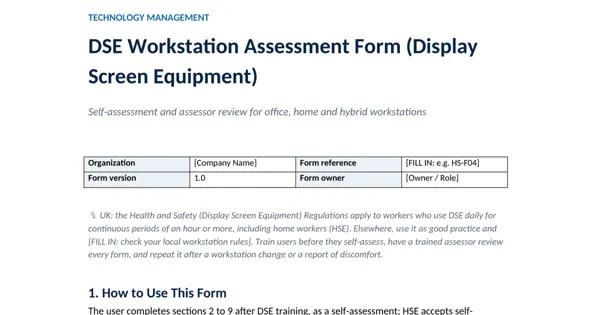
End Users, Onboarding and Workplace IT
DSE Workstation Assessment Form (Display Screen Equipment)
End Users, Onboarding and Workplace IT