-
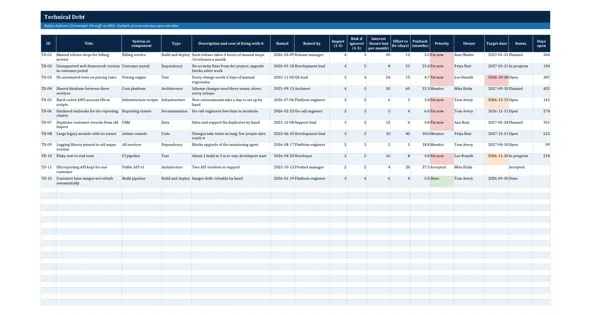 Excel workbook preview
IT Strategy, Governance and Reporting
Technical Debt Register
3 downloads per free account, no card needed.
Who this is for
The development lead has to show the CTO or the board what technical debt costs each month and which items to fix first, in numbers, not complaints.
What is inside
- 12 sample items for a 90-person software company on AWS across 8 debt types
- Payback in months = effort hours / interest hours per month
- Priority: Fix now, Plan or Monitor from payback and risk thresholds you set
- Owner, target date and status; overdue red, due within 30 days amber
- Days open counts from the date raised until Done or Accepted
- Summary of hours lost per month by type, total as full-time people, and a chart
How to use it: Add each item with the hours it costs per month and the days to fix it, then review the Fix now list in monthly planning.
Files & formats
- XLSXtechnical-debt-register.xlsx16 KB
Opens in Microsoft Word or Excel, Google Docs or Sheets and LibreOffice. Delivered instantly from your browser.
Free downloads & full access
Every account gets 3 free downloads. Re-downloading a template you already have does not count. This template on its own is $17.99, and buying it keeps your free downloads for something else. Full access is a one-time $249 for all 300 templates, for life.
Bought with a different email? Open your account and enter your order number.
Licence
Use and adapt the document inside your own organisation or for your own clients. Do not resell or republish the templates themselves.
More in IT Strategy, Governance and Reporting
IT Strategy, Governance and Reporting
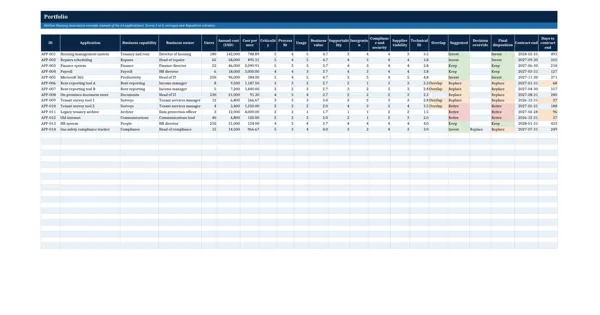
Application Portfolio Assessment Template (Keep, Invest, Replace, Retire)
IT Strategy, Governance and Reporting
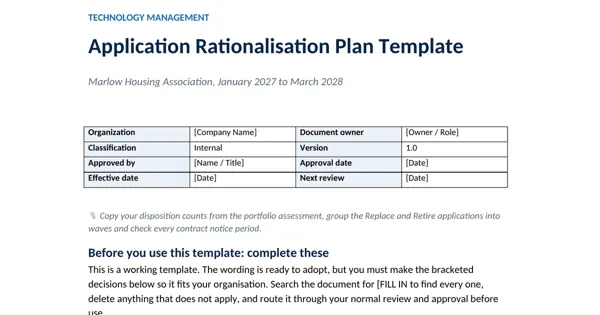
Application Rationalisation Plan Template
IT Strategy, Governance and Reporting
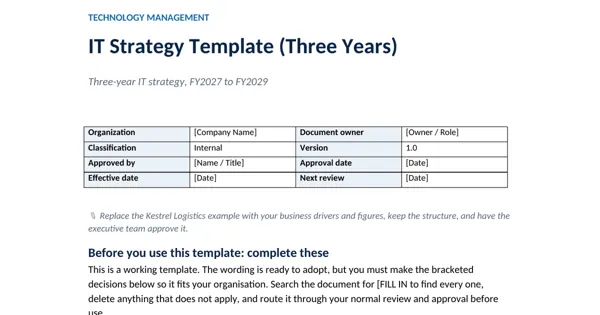
IT Strategy Template (Three Years)
IT Strategy, Governance and Reporting