-
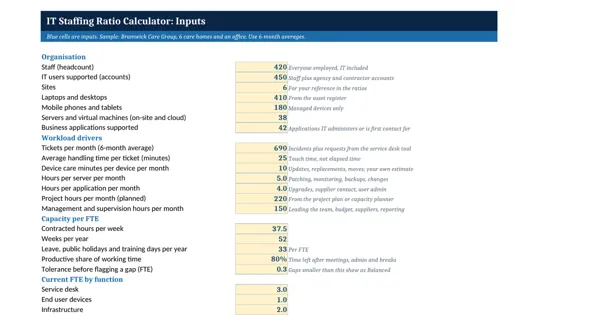 Excel workbook preview
IT Team, Roles, Skills and Policies
IT Staffing Ratio Calculator
3 downloads per free account, no card needed.
Who this is for
An IT manager asked by the finance director why IT needs another hire, who needs the workload behind the number rather than a ratio from the internet.
What is inside
- Inputs sheet with 26 blue input cells: staff, devices, tickets, hours and current FTE
- Productive hours per FTE per month from hours, leave and productive share
- Required FTE per function from workload hours, against current FTE
- Gap and Short, Balanced or Spare status with your own tolerance
- 7 ratios including users per IT FTE and tickets per service desk FTE
- Summary sheet with a chart of current against required FTE
How to use it: Replace every blue cell on the Inputs sheet with your own figures from the last six months; the calculation and summary sheets need no changes.
Files & formats
- XLSXit-staffing-ratio-calculator.xlsx13 KB
Opens in Microsoft Word or Excel, Google Docs or Sheets and LibreOffice. Delivered instantly from your browser.
Free downloads & full access
Every account gets 3 free downloads. Re-downloading a template you already have does not count. This template on its own is $17.99, and buying it keeps your free downloads for something else. Full access is a one-time $249 for all 300 templates, for life.
Bought with a different email? Open your account and enter your order number.
Licence
Use and adapt the document inside your own organisation or for your own clients. Do not resell or republish the templates themselves.
More in IT Team, Roles, Skills and Policies
IT Team, Roles, Skills and Policies
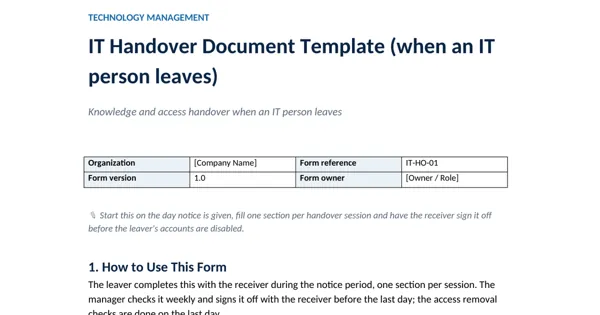
IT Handover Document Template (when an IT person leaves)
IT Team, Roles, Skills and Policies
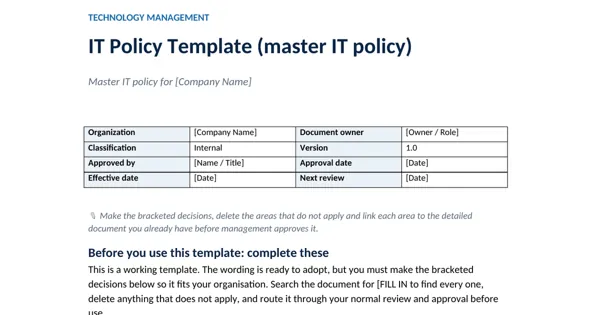
IT Policy Template (master IT policy)
IT Team, Roles, Skills and Policies
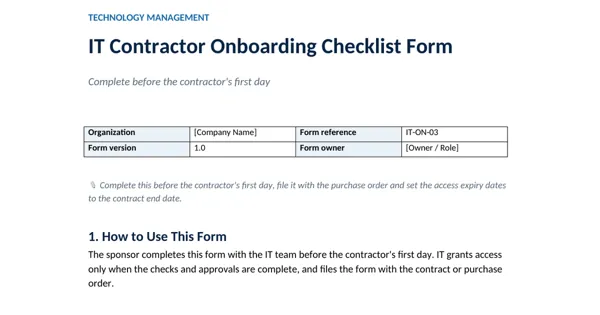
IT Contractor Onboarding Checklist Form
IT Team, Roles, Skills and Policies