-
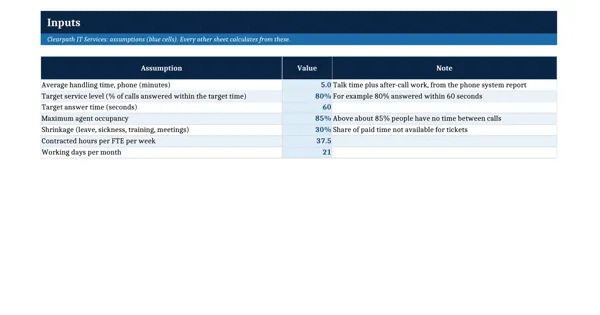 Excel workbook preview
Service Desk and Incident Management
Help Desk Staffing Calculator (workload and Erlang C)
3 downloads per free account, no card needed.
Who this is for
The service desk lead asking for another analyst, or the MSP owner pricing a new contract, needs to show how many people the workload needs.
What is inside
- Erlang C built from plain formulas for 1 to 40 agents per hour
- Agents required, service level achieved, average speed of answer and occupancy
- Maximum occupancy cap and shrinkage turned into staff to schedule
- Workload method across 5 channels with productive hours per FTE
- Summary with busiest hour, people to employ and a chart by hour
- A hand check on the How to use sheet that matches the 09:00 row
How to use it: Enter your handling time, service level target, shrinkage and calls per hour from your phone system, then add monthly volumes for the other channels.
Files & formats
- XLSXhelp-desk-staffing-calculator.xlsx29 KB
Opens in Microsoft Word or Excel, Google Docs or Sheets and LibreOffice. Delivered instantly from your browser.
Free downloads & full access
Every account gets 3 free downloads. Re-downloading a template you already have does not count. This template on its own is $17.99, and buying it keeps your free downloads for something else. Full access is a one-time $249 for all 300 templates, for life.
Bought with a different email? Open your account and enter your order number.
Licence
Use and adapt the document inside your own organisation or for your own clients. Do not resell or republish the templates themselves. These templates are original working documents built on the public guidance named here. They are not legal or contractual advice and are not endorsed by its publisher. Guidance changes: check the current official text.
More in Service Desk and Incident Management
Service Desk and Incident Management
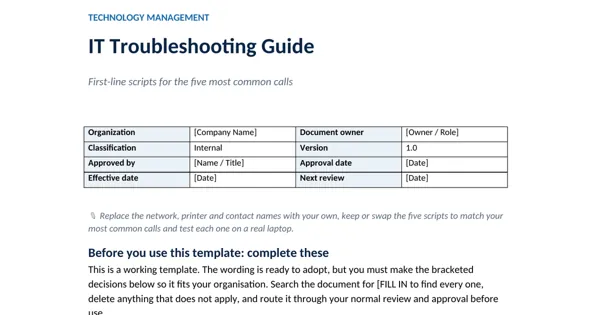
IT Troubleshooting Guide Template (first-line scripts)
Service Desk and Incident Management
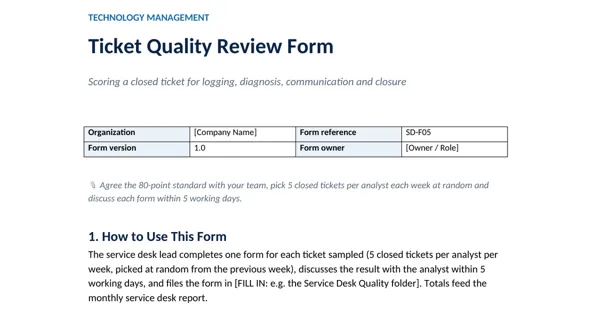
Ticket Quality Review Form
Service Desk and Incident Management
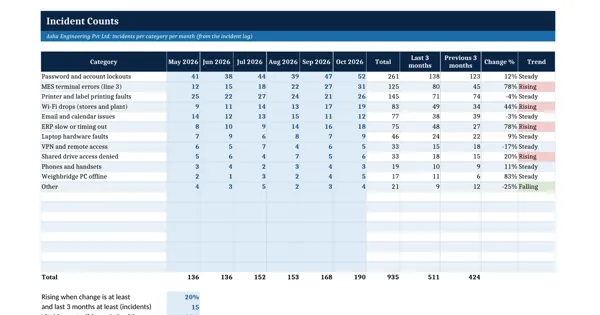
Recurring Incident Trend Analysis Template (Pareto)
Service Desk and Incident Management